

When a product shows a balance, position, order, or transaction, its users need to know what that value represents now—not just whether an account was linked at some point in the past. That makes data freshness a product decision, not only an integration detail.
Broker-connected data does not arrive in one universal pattern. Some upstream providers can surface supported changes through event-driven connections; others require retrieval on a polling cadence. A useful product experience makes that difference understandable without promising that every value is continuously streaming.
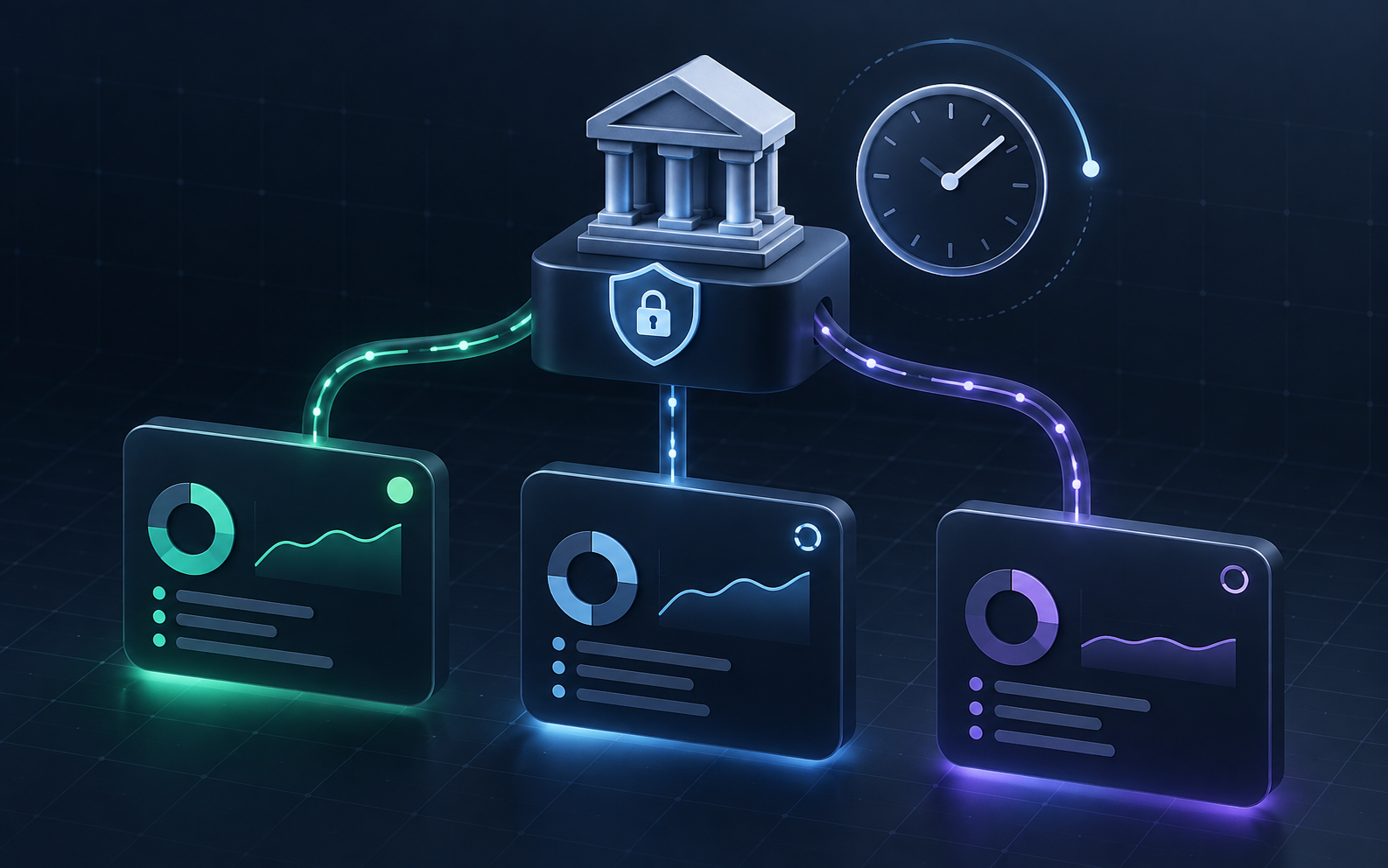
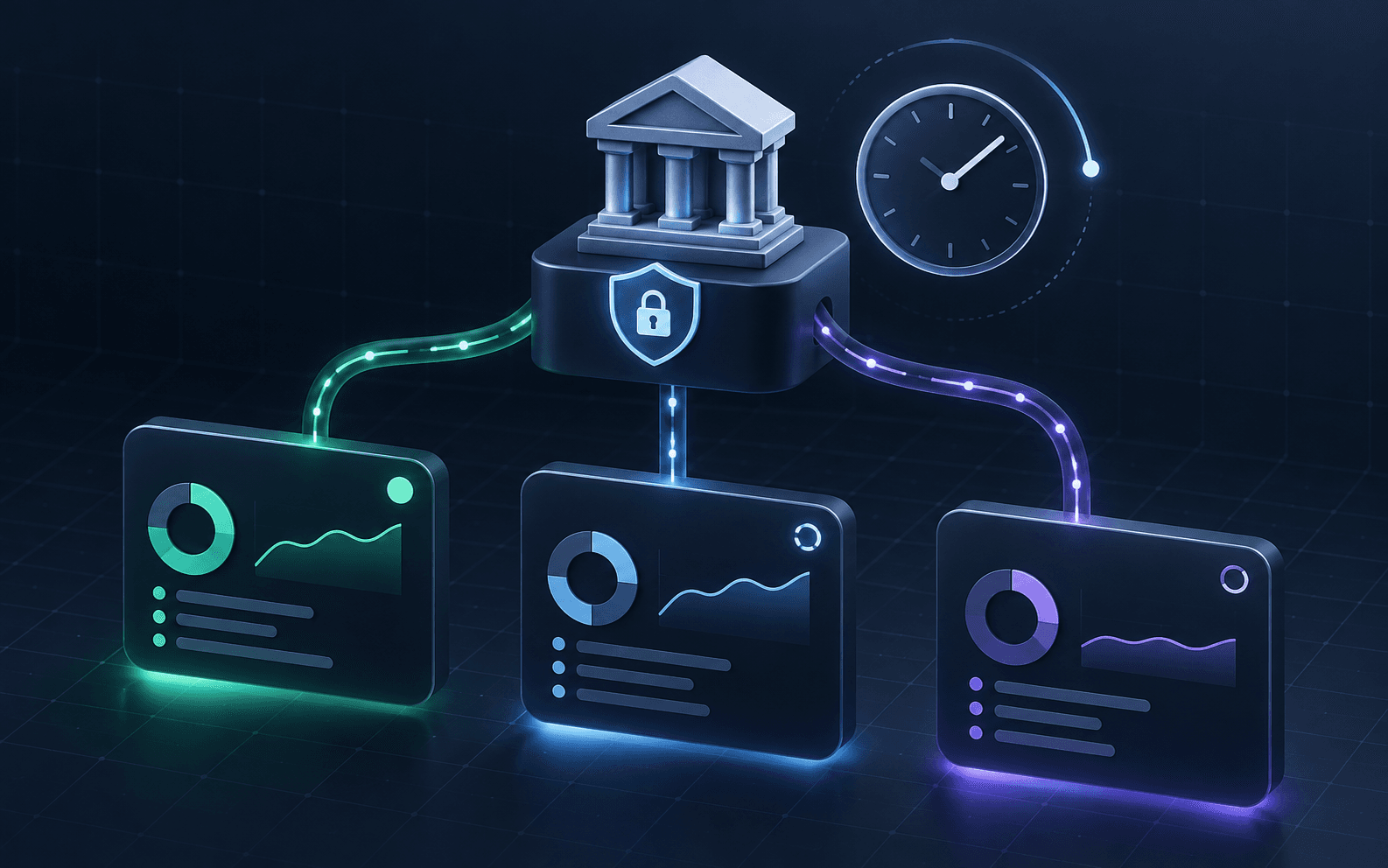
Caption: A clear product model distinguishes a connected account from the time each value was last observed and refreshed.
Start with the decision the data supports
Freshness matters most when it changes a user's next action. A portfolio dashboard may be useful with a recently observed balance and a visible timestamp. A trade-review workflow may need the current order lifecycle before it can guide a user. A reconciliation flow may need to know whether a transaction update is still pending.
For each screen, define the decision first, then identify the resources it needs: accounts, balances, positions, orders, or transactions. That keeps the interface from treating every value as equally current or equally important.
Show observed time, not an implied promise
Use language that describes what the product knows. “Last updated” or “observed at” is more useful than a generic “live” badge when the source has a different update model. Pair the timestamp with a compact state such as:
- Current observation available: the product has retrieved the resources required for the screen.
- Refreshing: the product is requesting a newer observation.
- Update received: a supported account, balance, position, order, or transaction change was delivered to the workflow.
- Action required: the user needs to reconnect or complete a provider step before the product can refresh the relevant resource.
- Unavailable: the requested resource is not available for this connection right now.
Those labels should be tied to an honest next step. “Refreshing” should not hide a reconnect requirement, and “connected” should not imply that every account resource or trading action is available.
Design events and retrieval as one workflow
Finatic supports webhook-driven updates for supported order lifecycle, transaction, balance, position, and account-change events. Where an upstream broker supports event or streaming connections, changes can be surfaced promptly; where it is polling-only, the observation updates when Finatic retrieves the broker data.
That means a product should treat events and refreshes as complementary. An event can trigger a focused refresh, update a status label, or notify the right workflow. A retrieval can reconcile what the product displays after a connection resumes. Neither should be represented as a blanket guarantee that every provider exposes every update at the same pace.
Keep connection state separate from data state
An account can be connected while a particular value is still being refreshed. Conversely, a stored value can be useful context even when a new provider authorization is required. Model these separately:
- Connection state: Can the user authorize and maintain the connection?
- Resource state: Is the needed account, balance, position, order, or transaction available?
- Observation state: When was this resource last retrieved or updated?
- Action state: Is the feature read-only, or does the provider and the user's permission allow the specific action?
This separation makes support and product decisions easier. It also prevents a successful linking event from becoming an accidental promise about freshness, coverage, or permissioned trading.
Test the recovery path before launch
Before releasing a broker-connected feature, test one real product path end to end: link the account, load the required resources, display their observed times, exercise a supported change event where available, and verify the reconnect experience. For a trading workflow, test that action independently with the required provider and permissions.
Record enough context to explain the result: the connection state, the resource that was requested, the last successful observation, and the next user action. Do not expose service credentials or assume a client-side success event replaces the host application's identity mapping.
The goal is not to make every source behave identically. It is to make the product clear about what it has observed, what it is refreshing, and what the user can do next.
To plan a broker-connected workflow, review the integrations directory, read the webhooks documentation, or contact Finatic with the providers, resources, and freshness expectations your product needs.