

Broker-connected products earn trust by being precise about what a connection can do. A user may be able to link an account and view positions without authorizing an order workflow. A provider can require a reconnect before a previously available resource can be refreshed. Those are normal parts of brokerage connectivity, but a vague "connected" label can make them look like product failures.
This guide explains how product and engineering teams can make those boundaries clear before they become support problems.
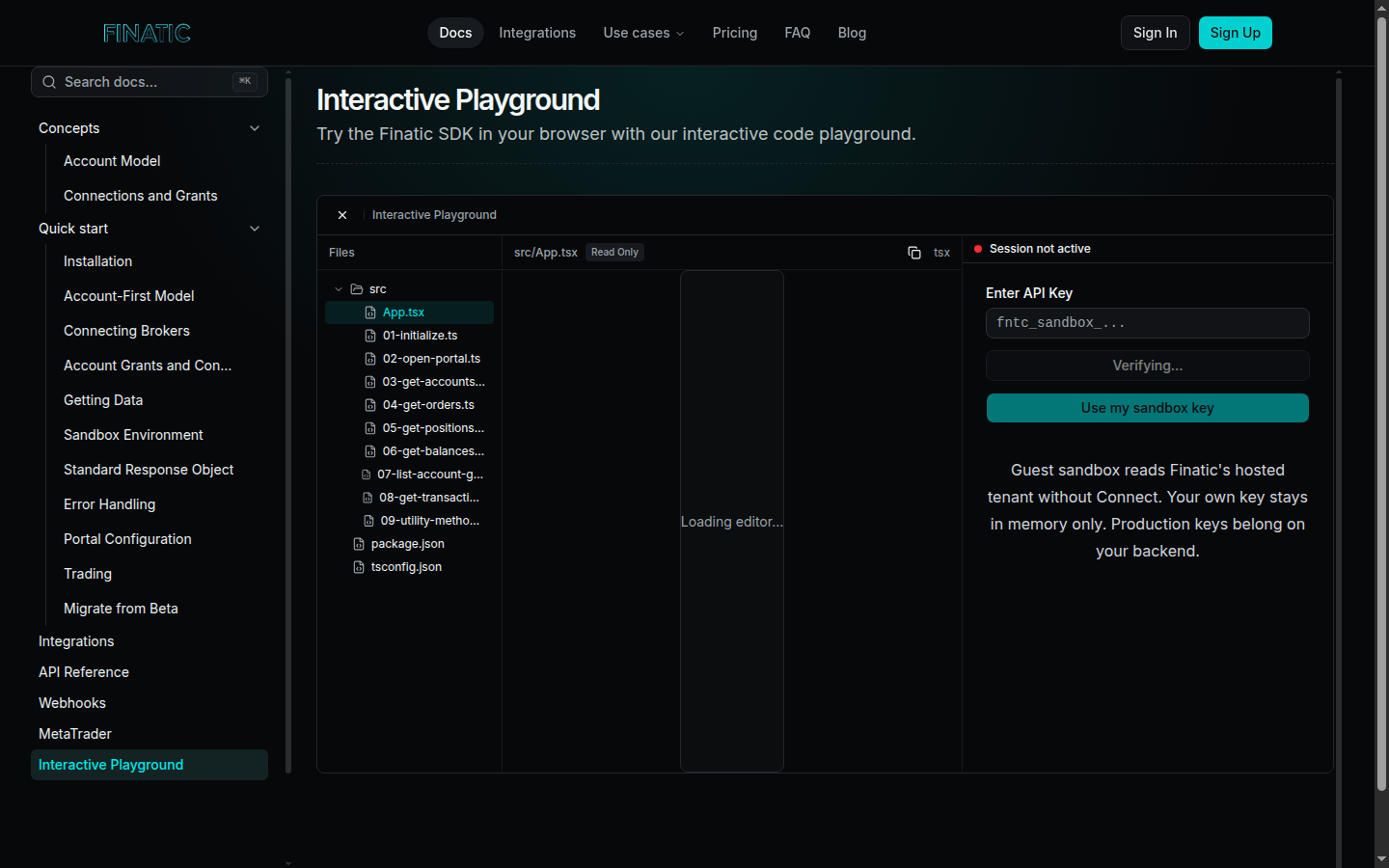
Caption: Use a controlled SDK environment to understand the connection pattern before defining the permissions and states your product will expose.
Start with the job, not the broadest permission
Describe the user outcome first. A portfolio dashboard may need connected accounts, balances, and positions. A trade-review product may also need orders and transactions. A workflow that places or changes orders has a different permission boundary from both.
That description gives a team a practical way to define the connection request and the product experience. Ask four questions for every workflow:
- Which resources must be readable for the feature to be useful?
- Is an action required, or is the feature read-only?
- What should the product show when a resource is unavailable?
- What should the user do if the provider asks them to reconnect?
Avoid requesting or implying more than the feature needs. A successful read connection does not mean that every action is available. Likewise, an available trading surface should be treated as permissioned capability, not as a promise that every connected provider or account will support the same order flow.
Give the product a small, visible state model
Permission and connection state should be understandable outside an integration log. A useful product model can separate:
- Connected for reading: the product can retrieve the resources required for the read workflow.
- Action available: the provider and the user's permissions allow the specific action the product offers.
- Refreshing: the connection is valid, but a new observation is still being retrieved.
- Action required: the user needs to complete a provider step, such as reconnecting.
- Unavailable: the resource or action cannot be used for this connection right now.
The labels can fit your interface, but each must lead to an honest next step. A timestamp is especially helpful for a balance, position, or other value a user might act on. It separates the time the product last observed a value from the time the account was originally linked.
Keep the server-side boundary intact
An embedded connection flow should preserve the difference between your product's service credentials and the short-lived information needed by the client to begin a connection. Finatic's public quick start describes a server-created session followed by a client connection flow. That pattern keeps durable service credentials on the server while allowing the product to guide a user through the provider's consent experience.
The product still owns its identity mapping. When a connection completes, store the Finatic user and connection context alongside your own user record. Do not treat a provider-facing identifier or a client-side success event as a substitute for that association. This makes it possible to explain which connection a user needs to manage without exposing service credentials in the browser.
Treat order workflows as a separate acceptance test
Orders, positions, balances, and transactions each answer different product questions. An order describes an instruction and its lifecycle; a transaction records an account event. Keeping them distinct is important for a trading or review experience, and it matters even more when the product offers an action.
If your product includes an order workflow, test it separately from account linking and data retrieval. Confirm the exact provider, account type, permission, resource, and action the feature needs. Then test what the user sees if that action is unavailable, rejected, delayed, or requires a new authorization step. Do not use a successful connection as evidence that every action is authorized.
Finatic supports broker connectivity for account, position, order, balance, and transaction workflows, including trading surfaces where the connected provider and permissions allow them. The exact capability must still be validated for the workflow you are shipping.
Make reauthorization a normal recovery path
Reconnections are not necessarily an incident. A user can change a permission, a provider can require a new authentication step, or an account can need attention before a refresh completes. The product should tell the user what changed, offer the appropriate reconnect action, and say what it will try to refresh after the connection is restored.
For the team, record the connection state, last successful observation, required resource or action, and whether a reconnect is available. That compact context helps support distinguish a provider-side limitation from a missing permission without asking the user to repeat their entire workflow.
Build the boundary into the launch checklist
Before release, run one end-to-end test for the actual feature: initiate the connection, complete consent, load the required resources, test the displayed state during refresh, and exercise the reconnect path. If the feature has an action, test that path separately with the exact provider and permission model it requires.
The goal is not to promise identical behavior across every brokerage connection. It is to let your users understand what is available now, what needs their attention, and what the product will do next.
If you are designing a broker-connected product, review the integrations directory, read the quick start, or contact Finatic with the provider, resources, and actions your workflow needs.