

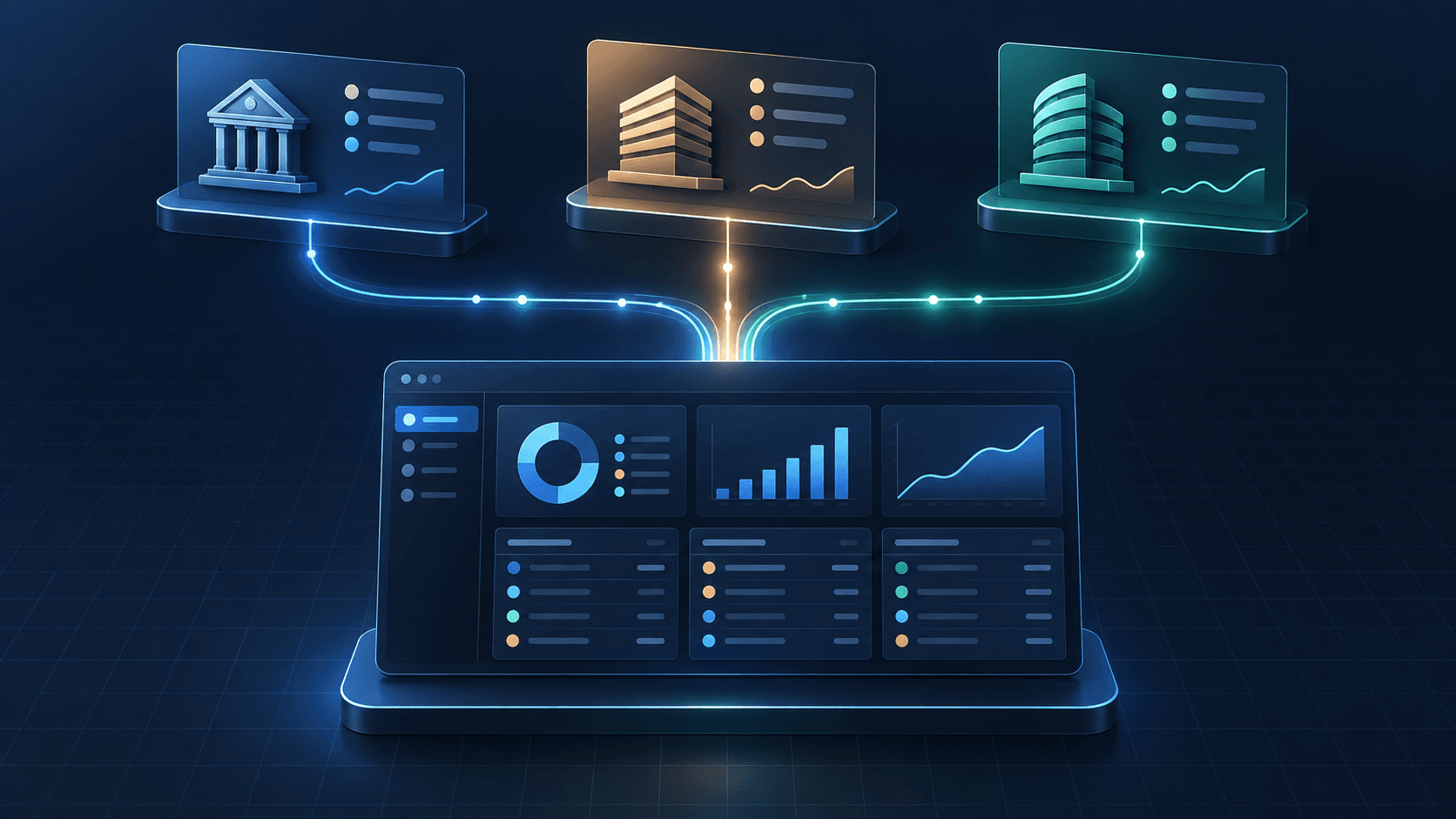
Portfolio products become harder to trust as soon as their users connect more than one broker. The problem is not simply retrieving data. Each connection can describe accounts, holdings, cash, orders, and transactions differently, and each can have different permissions, refresh behavior, and gaps.
That is where normalized brokerage data helps. It is a consistent product-facing model for the data a portfolio workflow needs, while preserving the provider context needed to explain what happened. It should make the common work easier without pretending that every broker behaves the same way.
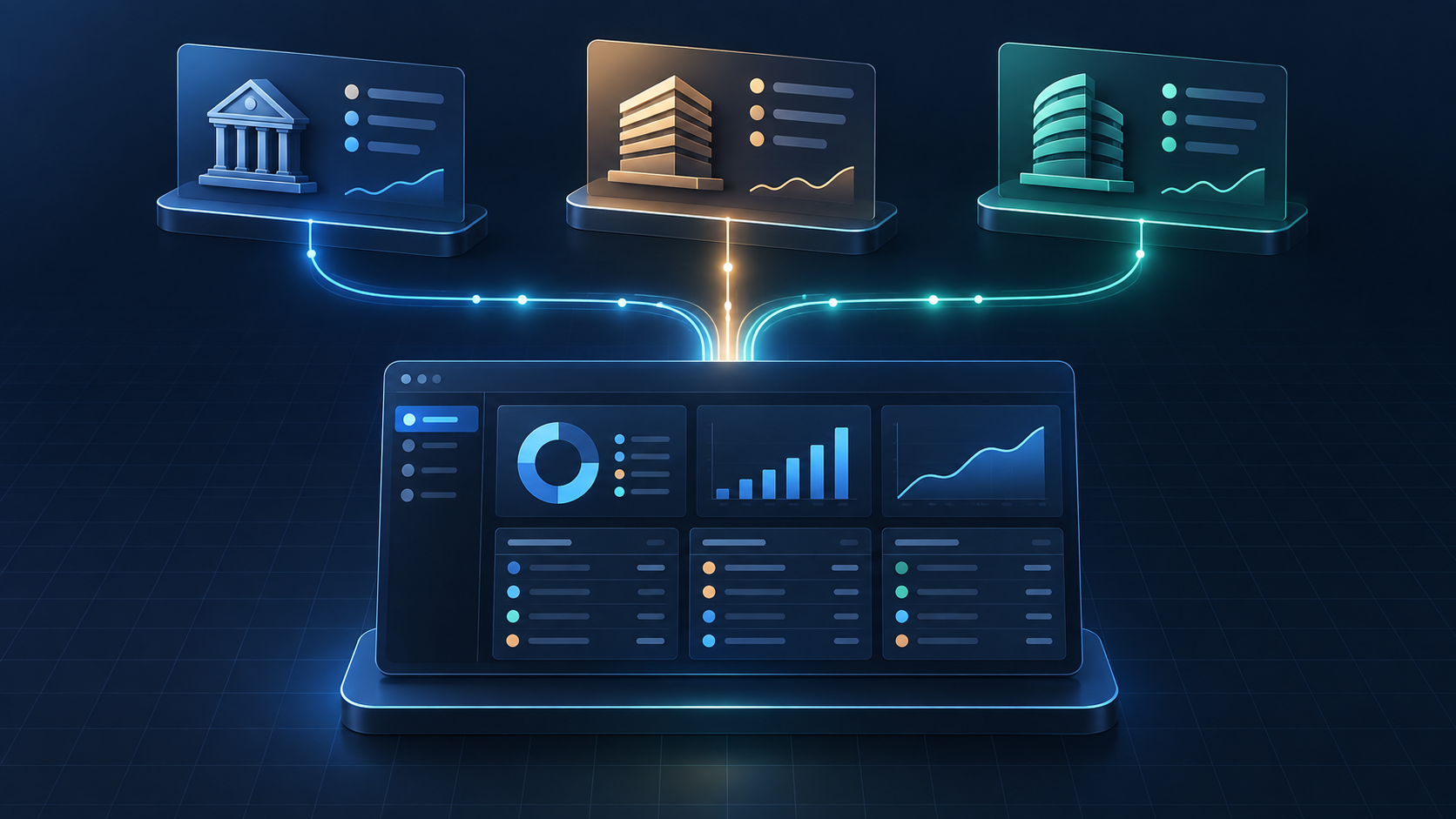
Caption: A normalized portfolio workspace combines distinct brokerage sources while retaining the context needed to evaluate each record.
Normalize the jobs, not every provider detail
Start with the decisions your product needs to support. A portfolio dashboard or analytics workflow commonly needs to answer:
- Which accounts are connected and available to the user?
- What positions and balances make up the current view?
- Which orders and transactions explain a change?
- When was each important value last observed or updated?
- What should the user do when a connection needs attention?
Those questions call for stable resource families—accounts, positions, balances, orders, and transactions. A normalized model lets a product use those families consistently across its interface and internal workflows. It does not mean flattening away the facts that make a record meaningful.
For example, an order is an instruction with a lifecycle; a transaction is a recorded account event. A position is the current exposure, not proof of every event that led to it. Treating these as interchangeable may make an early dashboard look simple, but it makes reconciliation, support, and analytics much harder later.
Keep provenance with the normalized record
Every normalized record should retain enough source context to answer a practical question: where did this value come from, and when did the product last see it?
For a useful baseline, store the connection and account context, the provider's identifier when available, the observed time, and the source state. Keep the data that powers a common portfolio screen in a consistent shape, but retain provider-specific details separately when they affect interpretation.
This is especially important when a provider corrects a prior record, returns an incomplete history, or requires the user to reconnect. A normalized layer should let the product update a record safely rather than creating a duplicate or leaving a user with two conflicting versions of the same activity.
Put freshness in the experience
“Connected” is not the same as “current.” Data availability can vary by provider, account type, permissions, and the resource a product is requesting. The product should make that visible.
Use a timestamp and a clear state for the values that drive an important decision. A small set of states is often enough:
- Current: the product has a recent successful observation.
- Refreshing: the connection is working and an update is in progress.
- Action required: the user needs to reconnect or complete a provider step.
- Unavailable: the resource is not available for this connection or cannot be retrieved now.
That framing gives users an honest explanation without turning the interface into an integration diagnostic screen. It also helps a support or product team distinguish a delayed update from a missing permission.
Use events for responsiveness, then reconcile
For workflows that need to react to supported account, order, transaction, balance, or position changes, webhooks can reduce reliance on a fixed polling interval. They are useful for keeping a portfolio view responsive, but they should not be the only reconciliation mechanism.
Process events idempotently: the same delivery should not create a second record. Then reconcile the normalized view against the current readable data on a schedule appropriate for the product. Reconciliation gives the product a way to recover from late deliveries, provider-side corrections, and interruptions in its own processing.
The key design choice is not a universal refresh promise. It is defining what the user will see when information is delayed or changed, and making that state recoverable.
Make permissions part of the model
Some portfolio products need read access only. Others pair portfolio context with trading or order workflows. Those are different capabilities, and the product should make the distinction clear from the connection step onward.
Finatic provides embedded broker linking and standardized resources for account, position, order, balance, and transaction workflows. Trading actions are available where the connected provider and the user's permissions allow them. A product team should confirm the exact provider, resource, and action requirements before promising a uniform experience across every connection.
A practical first release
Before expanding to every possible field, define one complete journey: connect an account, load the portfolio resources the screen needs, show freshness, handle an update, and make the reconnect state understandable. Test that journey with the providers that matter most to the product.
That approach turns normalization into a product decision, not just a mapping exercise. It gives users a portfolio view they can interpret and gives the team a clear path when real-world provider differences appear.
If you are planning a multi-broker portfolio or analytics workflow, review the integrations directory, read the quick start, or send us the providers, resources, and freshness requirements. Finatic can help scope the connection around the workflow your product actually needs.