

An embedded brokerage connection is ready for launch when a product team can explain what the user will see at every important point—not simply when the first account links successfully.
That distinction matters for trading journals, portfolio products, investing tools, and onboarding flows. A connection can complete consent while an initial data refresh is still running. A provider can require a reconnect later. Read access and trading actions can require different permissions. If those moments are not tested before launch, the product is left explaining them in production.
This checklist helps product and engineering teams test one real brokerage workflow before expanding it to more providers or features.
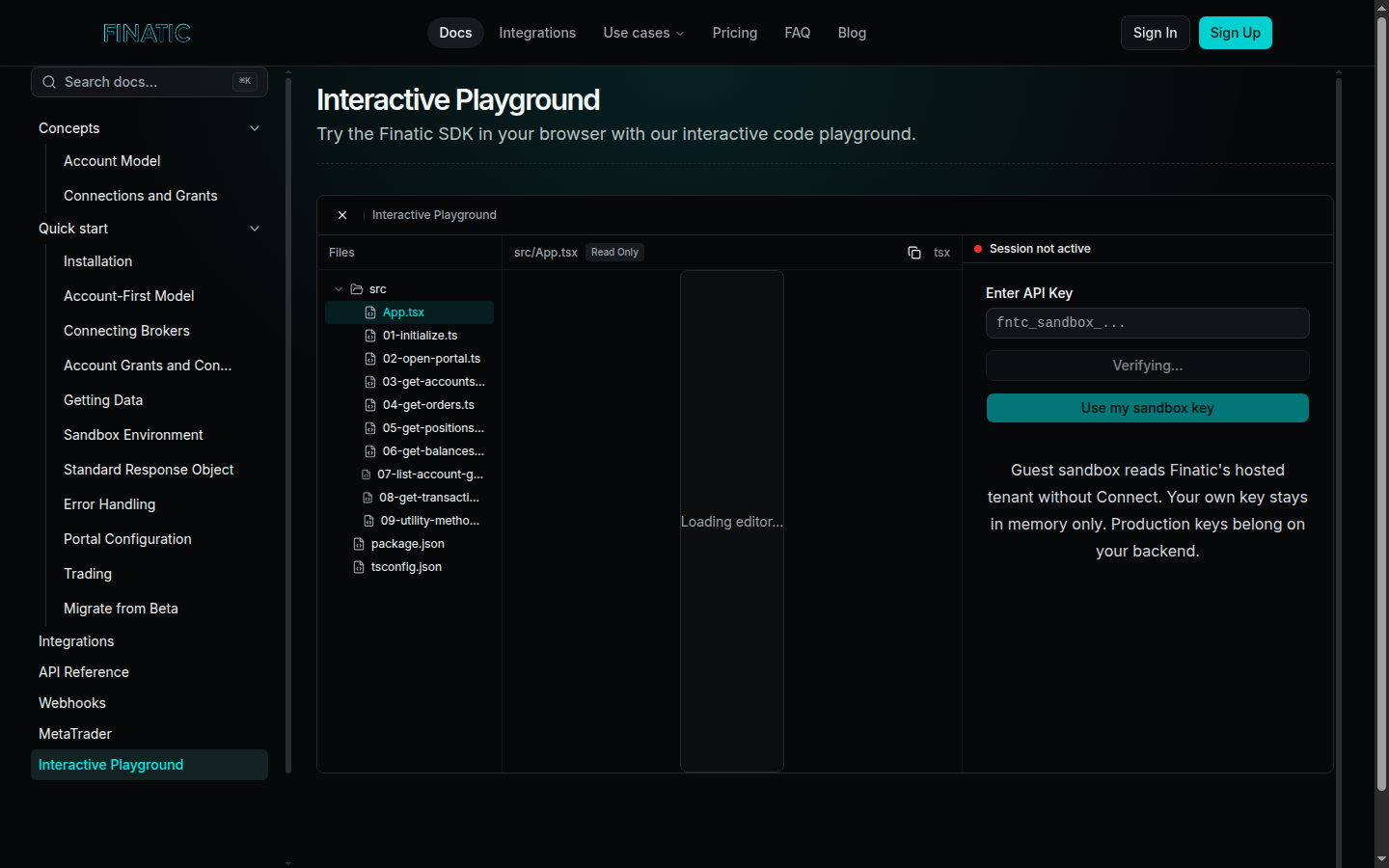
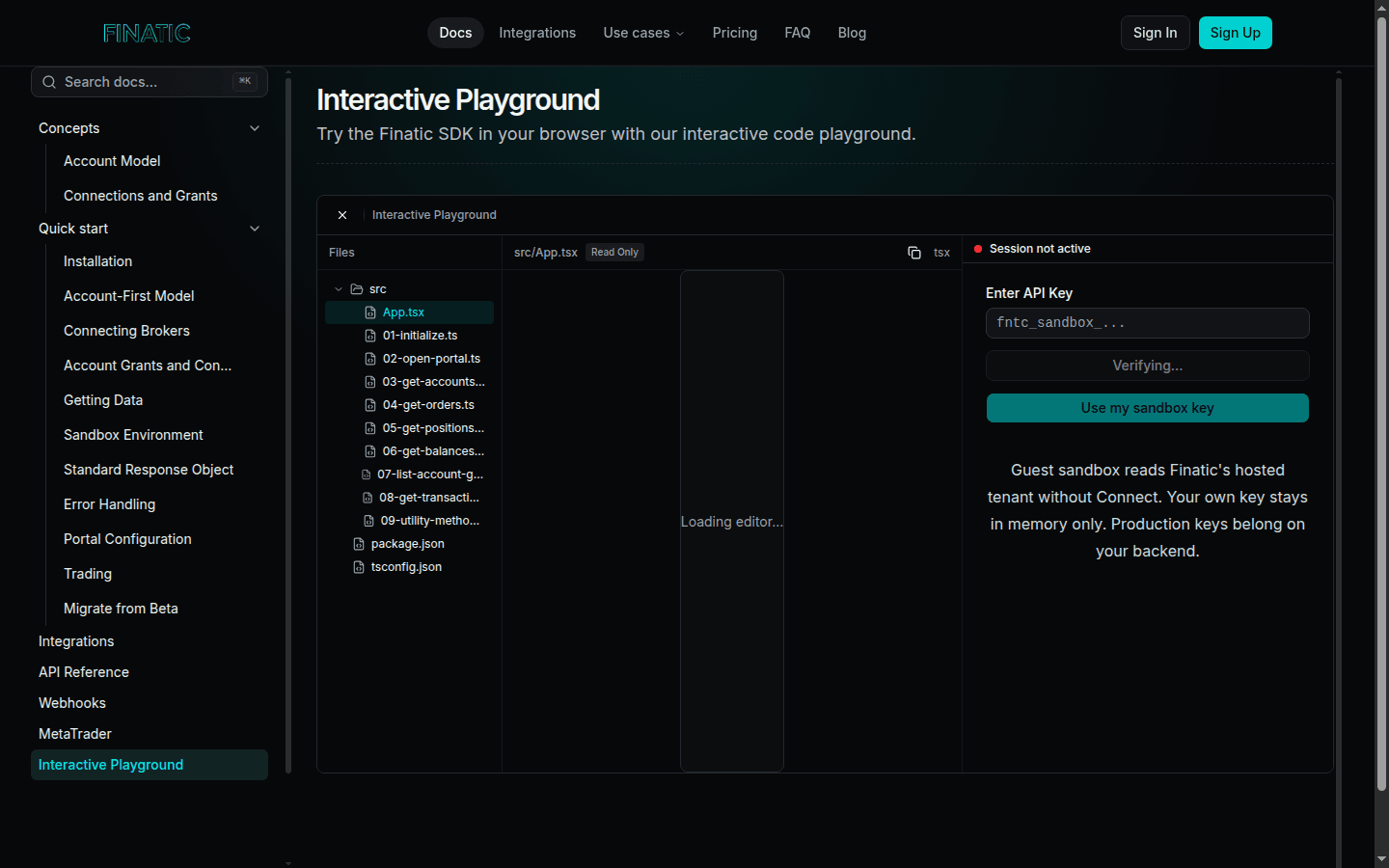
Caption: Finatic's public interactive playground is a useful place to explore SDK patterns before testing a production workflow with the exact provider and permissions it requires.
Start with one user journey
Choose a workflow that reflects the job your product actually needs to do. For a journal, that might be linking an account and showing positions and transactions. For a portfolio dashboard, it may be linking, loading accounts and balances, and clearly identifying when data was last updated. A product that supports order workflows should test the required permission and lifecycle separately.
Write the journey in plain language before you begin:
- The user begins the connection from your product.
- The user completes the provider's consent or authentication steps.
- Your product receives a successful connection result.
- The first data refresh loads the resources the screen needs.
- The user sees a clear state if a refresh is pending, a resource is unavailable, or a reconnect is required.
Finatic's public quick start describes a server-created session and a client connection flow. Keep service credentials on the server and give the client only the short-lived connection information it needs. The exact provider flow and available resources still need to be tested for the workflow you are launching.
Test success separately from data availability
Do not make “connected” carry more meaning than it has. A successful connection tells the user that consent or authentication completed; it does not guarantee that every account, position, balance, order, or transaction is already available.
Test what the product shows in each of these cases:
- the account linked and the first refresh is still in progress;
- the account linked but an optional resource is not available for that provider or permission set;
- the account linked and there is no data of a given type yet;
- the last successful observation is older than the product considers current; and
- a refresh returns an error that the user can resolve by reconnecting.
A timestamp and a specific state are more useful than a generic “synced” badge. They help users understand whether to wait, reconnect, or change what they expect to see. They also give support and engineering a shared starting point when they diagnose a report.
Verify the records that drive the experience
Finatic supports account, position, order, balance, and transaction resources for connected workflows. A launch test should confirm the records required by your chosen screen, not just that an API response exists.
For each resource, check that your product can associate it with the correct connection and account, preserve the source context it needs, and display the observation time clearly. Keep orders and transactions distinct: an order describes an instruction and its lifecycle, while a transaction records an account event. Treating them as interchangeable makes trade review and reconciliation harder.
If the product calculates a portfolio total, shows a performance view, or triggers a user-facing alert, test the data path that powers that decision. Make an explicit decision about what happens when one input is unavailable rather than silently presenting a complete-looking result.
Exercise updates without creating duplicates
Webhook-driven updates can help a product respond to supported account, order, transaction, balance, and position changes. They do not remove the need to reconcile against current readable data.
Test an update path with a small acceptance checklist:
- process the same event twice and confirm it does not create duplicate product records;
- receive an update after the first screen has loaded and confirm the user sees a coherent state;
- compare the derived view with a current read of the required resource; and
- record enough context to explain a later correction or refresh.
The point is not to promise an identical update cadence across every provider. Provider capability, account type, and user permissions affect what can be returned and when. The point is to make your product recover gracefully when an update arrives late, repeats, or needs reconciliation.
Test reconnects and permission boundaries
Reconnects are a normal part of a brokerage connection experience. Permissions can change, a provider can require a new authentication step, or a user can revoke access. Test the user-facing path before launch: what state is shown, what action is available, and what your product will refresh after the user completes it.
Read workflows and trading workflows should also be tested independently. Trading or order actions are available only where the connected provider and the user's permissions allow them. A product should ask for and describe only the capability its workflow needs; it should not imply that a successful read connection grants every action.
Ship the checklist with the feature
Keep the completed launch checklist with the feature team. It should name the provider workflow tested, the resources displayed, the expected freshness states, the reconnect path, and the update/reconciliation behavior. When you add another provider or a new action, rerun the same checklist rather than assuming the first result transfers.
Finatic can help scope an embedded brokerage connection around the provider, resources, actions, and freshness requirement your product needs. Start with the integrations directory, review the quick start, or contact us with one concrete workflow.